

Features of Opera GX
Customizable User Interface
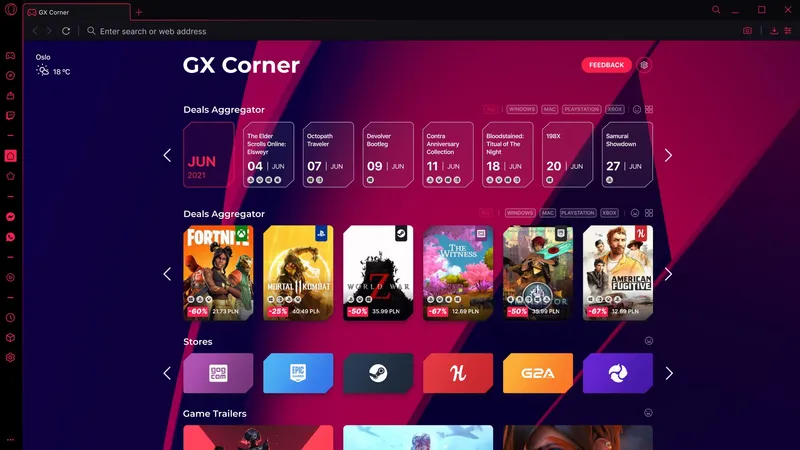
Opera GX offers a customizable user interface, allowing users to personalize their browsing experience. The design is sleek and modern, with a dark theme that's easy on the eyes. Users can adjust the color scheme, wallpaper, and even the layout of the tabs and icons. This gives users the freedom to create a browsing environment that suits their tastes and needs.
GX Control Panel
The GX Control Panel is a standout feature of Opera GX. This tool allows users to manage their computer's CPU and RAM usage. They can set limits on how much of their computer's resources Opera GX can use, preventing the browser from slowing down their system. This is especially beneficial for gamers who need to keep their systems running smoothly.
Integrated Messengers and Twitch
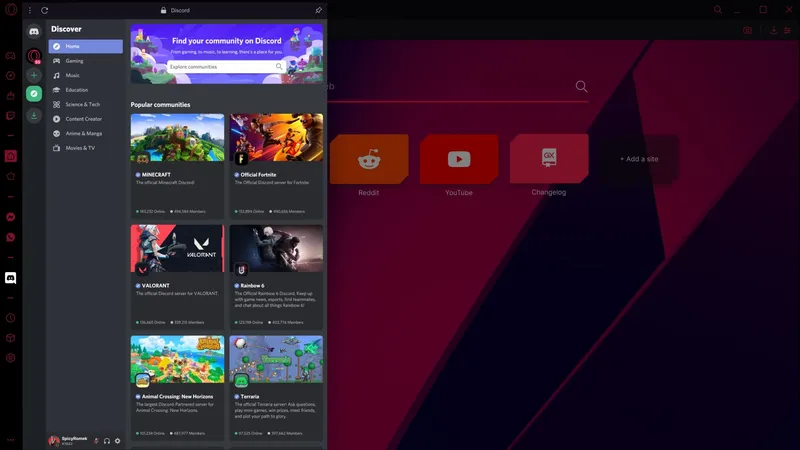
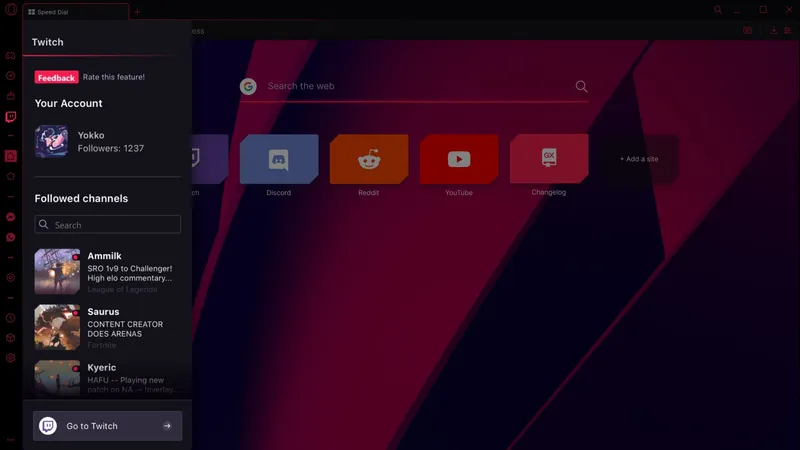
Opera GX comes with integrated messengers, including Facebook Messenger, WhatsApp, and Telegram, which can be accessed directly from the sidebar. This allows users to chat with friends without switching tabs or applications. Additionally, Opera GX has a built-in Twitch panel, enabling users to keep up with their favorite streamers and receive notifications of when they go live.
Pros & Cons
- Integrated Twitch and messengers
- Resource control feature
- Highly customizable UI
- Less extensions than Chrome
- Occasional stability issues
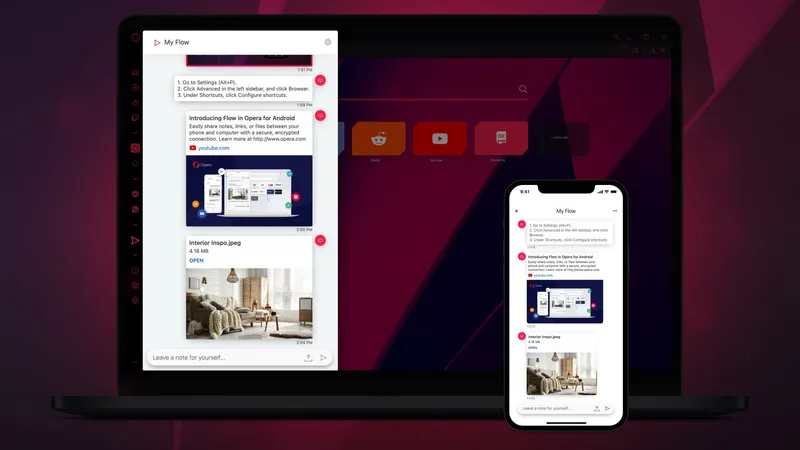
- Limited mobile sync features
Top Downloads for Windows


