

Screen Recorder - Vidma Record

Features of Screen Recorder - Vidma Record
All-in-one video editor
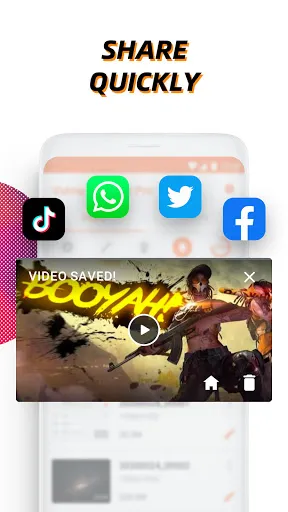
Vidma Recorder is an all-in-one screen recorder and video editor. It's free to use and time-limitless. Record, edit, and share instantly!
The best recording experience
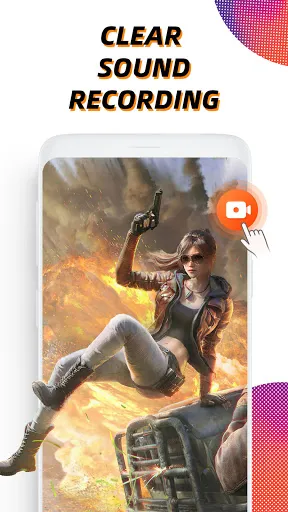
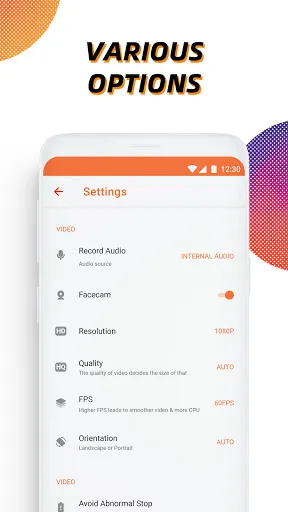
Free screen recorder in high quality (1080p, 60fps) allows users to always have the best watching experience. You can also choose from recording with or without sound.
Record with short-cut
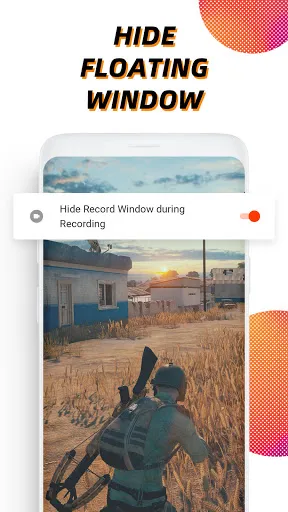
Enable the floating window to start screen recording whenever you want, and hide it during the recording. Stop video recording by shaking the phone.
Video editing tools
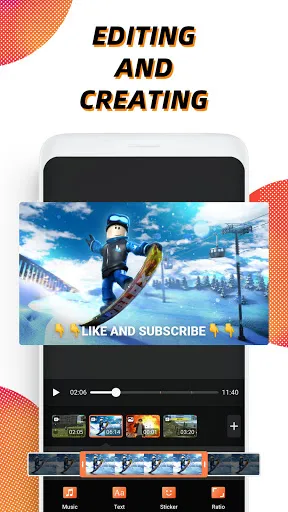
You can rotate, cut, and crop videos in Vidma Recorder. You can also add music, slow down or speed up the screen recording, and insert stickers and texts to polish your videos.
Tips
😉 Add a face cam to share your feeling with the audience.
While filming the screen, whether you're playing a game or watching a funny video, it's allowed to add a face cam that records your reaction. With this feature, people who watch the video later would know how you react simultaneously, just like you're sitting by their sides.
FAQ
Does Vidma Recorder charge for filming?
It's free, but you might need to watch ads to get your recording.
What if I find my filming of low quality?
You can set the video quality on Settings > Video Configuration to choose the best video resolution.
What if I meet an "error" while recording?
First, you may check if your phone has enough space for new videos on internal storage. If the problem is not solved, you may go to "Settings" and report the bug.

Ratings
Similar Apps


Top Apps








