

Google Chat

Features of Google Chat
Message People Easily
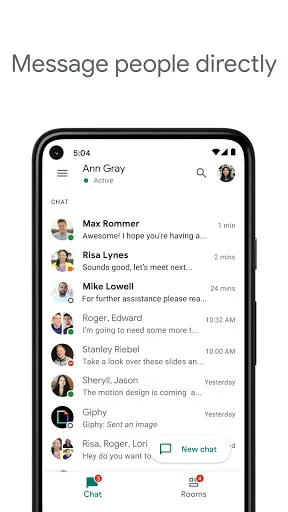
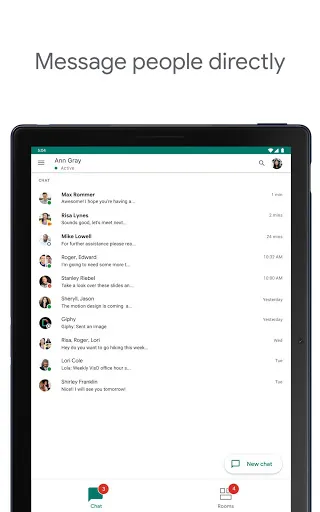
You can text easily on Google Chat. You can get in touch with friends or family anytime, anywhere, with no limit to the number of contacts and friends.
Multi-Person Chat Rooms
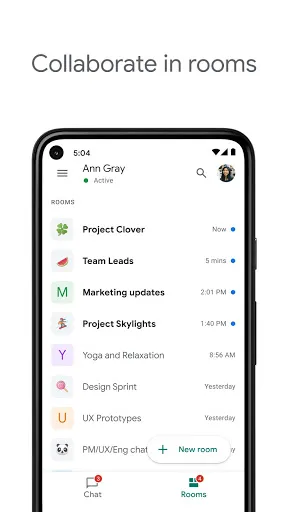
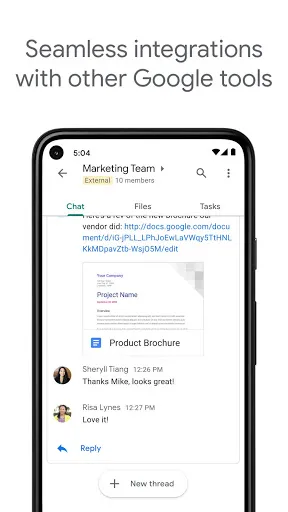
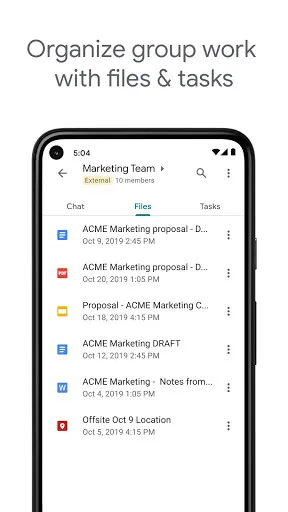
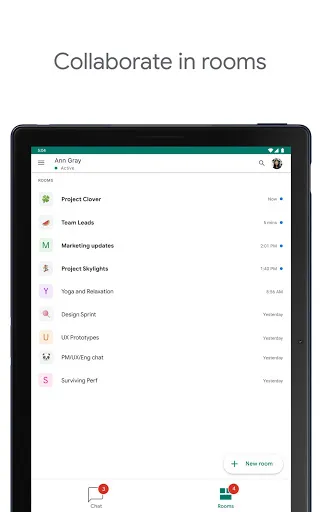
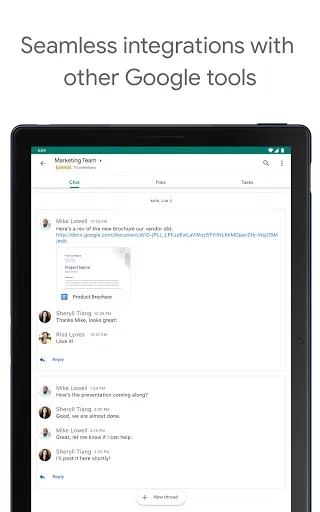
You can also create or join group chats to discuss favorite topics with multiple friends. When you need to share documents or URLs with multiple people, group chat rooms are the best choice.
Easy Search
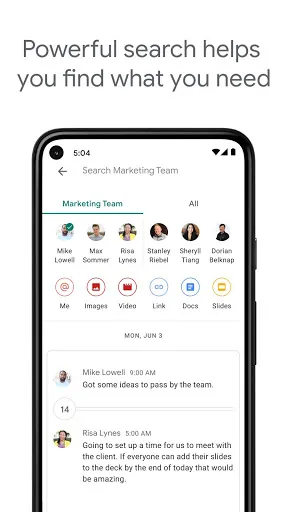
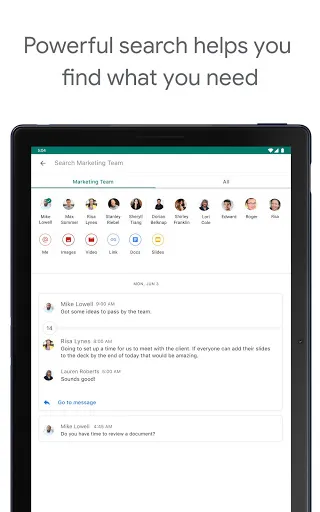
When you want to find a contact, find a file someone sent, or a topic you've talked about, you can search Google Chat with one click. Google Chat will help you find the content you need quickly and precisely.
Tips
🗣 Chat with your team!
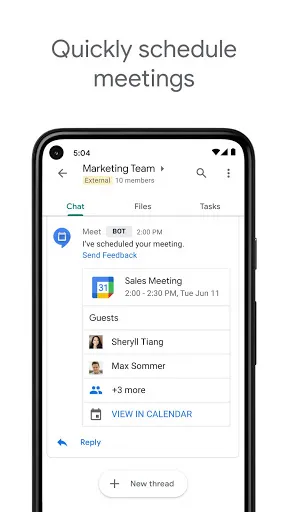
On Google Chat, you can communicate easily with your colleagues by creating a room. Tap the "+" icon next to the Room, and then you'll see an option of "Create Room." After entering the Room's name and adding an avatar, you can start communicating and collaborating with your team right away!
😉 Use Smart Reply to reply in time.
Sometimes you might be caught up in work that you can't manage to reply in time. But don't worry! The Smart Reply feature got you! With the machine learning technique, it offers possible replies to conversations. You can open the Smart Reply feature in "Setting" by clicking "Enable Smart Reply on web and desktop."
🙅🙅♂️ Don't wanna be disturbed?
Google Chat allows users to set their status to tell if they're available. It shows status based on activity by default, but you can also choose "Do not disturb" or "Away" even if you're online. Plus, you can customize one by clicking on "Add a status."
FAQ
What can I do with the Room feature?
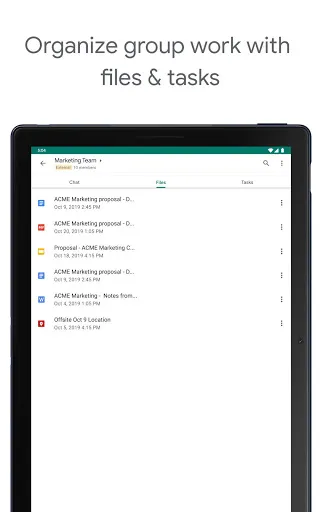
Well, it allows you to collaborate, assign tasks, and share files with your colleagues.
Ratings
Similar Apps


Top Apps









