

Fetch: America’s Rewards App

Features of Fetch: America’s Rewards App
Cash Back & Free Gift cards
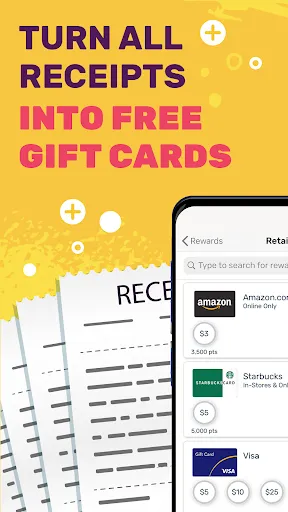
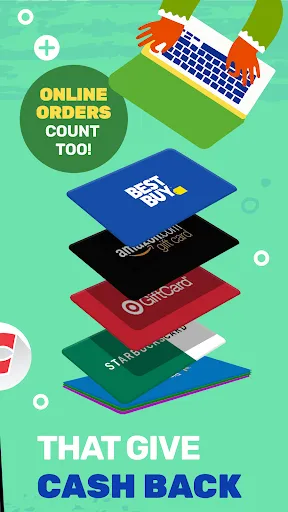
When you eat at a restaurant, shop at the mall, or spend money at a gas station, you can upload your invoice on Fetch Rewards and get cash back and gift cards. This is the equivalent of earning money for doing nothing.
Save Your Money
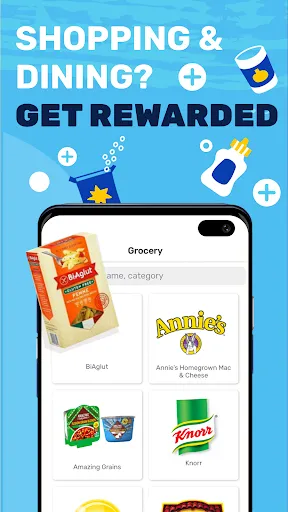
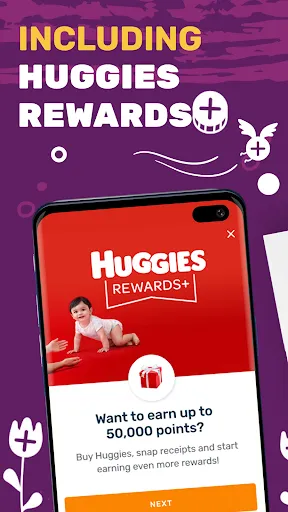
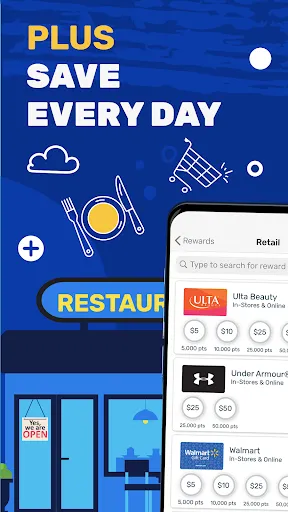
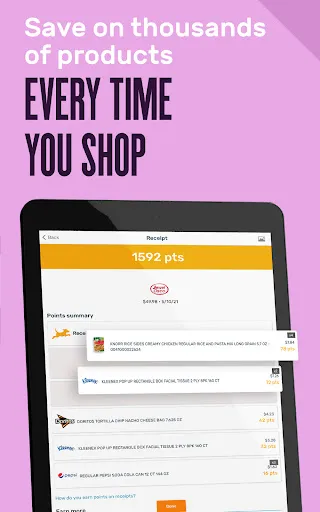
In addition to getting cash back and free Gift Cards, Fetch Rewards offers even more great deals. You can get some coupons or discounts at partner malls, restaurants, or grocery stores, which can also save you a lot of money.
Easy To Operate
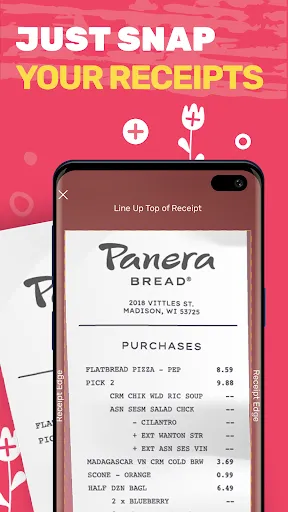
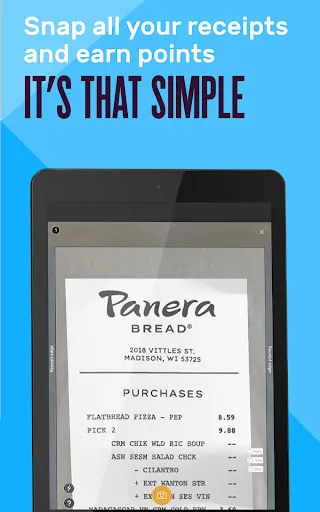
Fetch Rewards is very easy to use. All you need to do is scan or upload the electronic invoices from shopping malls, restaurants, etc. You can get free gift cards and reward points without any other actions.
Tips
💁💁♂️ Add sections to upload super-long receipts.
Users can earn points by submitting receipts. But what if you've got a super long receipt as you've just come back with all the groceries? Fetch Rewards covers you. Just take a picture of the beginning of the receipts, and then add as many sections as you want until you've captured the entire receipts.
📝 Personal account book calculates your spending automatically.
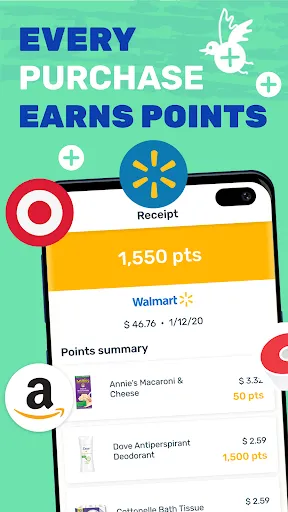
After scanning receipts, users are allowed to track where the receipts come from. And the app will automatically add up all the spending shown on the Activity page. By calculating weekly, monthly, and yearly spending, you can adjust the budget properly.
😉 Redeem Rewards Points on the Reward page.
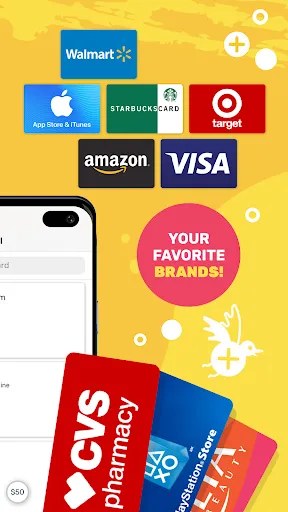
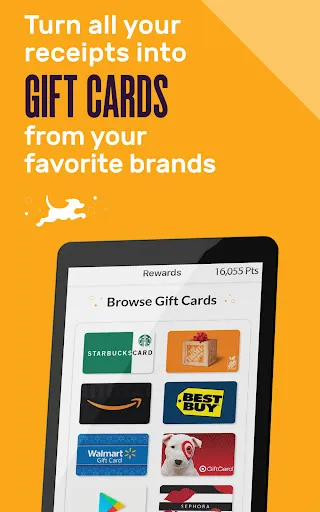
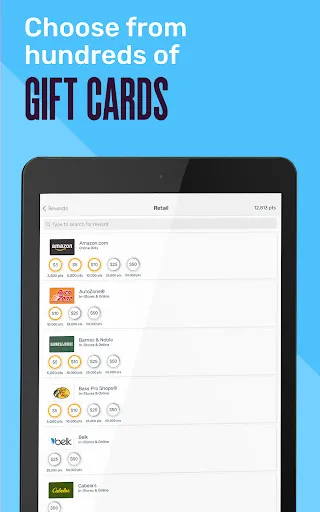
Head to the Reward page to see if you're qualified to exchange points for free gift cards. With gift cards of $3 to $50, you can purchase from some major retailers such as Amazon, Walmart, etc. Once you have enough points to redeem, you'll see a yellow ring around the dollar amount. Tap the amount you'd like to redeem and then the "Get My Reward" button. Done!
FAQ
Is there any requirement for a picture of receipts?
There's no strict requirement, but try to make the picture clear and line up the edges.
Ratings
Similar Apps








Top Apps







