

ChargePoint

Features of ChargePoint
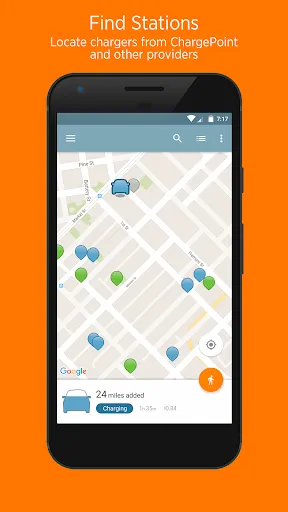
Find A Place To Charge
Check available EV charging stations on the ChargePoint map, which may save you a ton of time.
Manage Charging
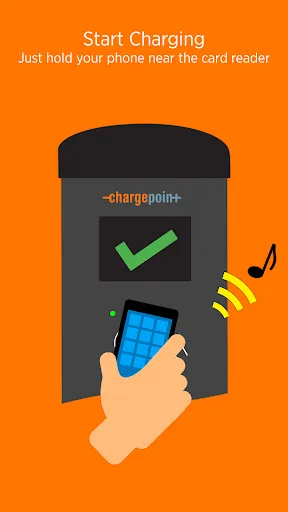
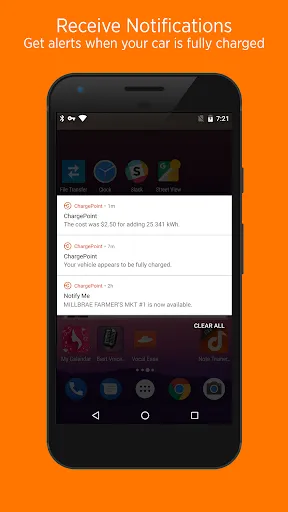
Through ChargePoint, you can click the button to start charging at any time, and you will get real-time notification of the charging status if you want.
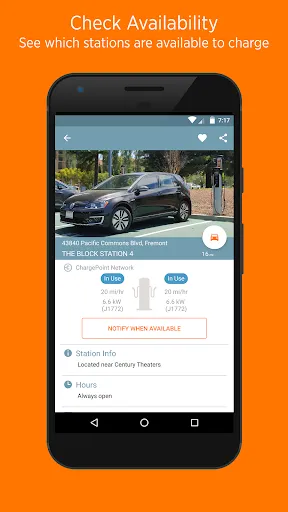
Charging Waitlist
Want to use a busy charging station? You can join the queue by using ChargePoint and as soon as the station becomes available, we will notify you and wait for you to use it.
Related Information Push
We will push you some relevant information that you may want to know, such as gas prices, nearby traffic conditions, or tips from other drivers.
Charging Information Statistics
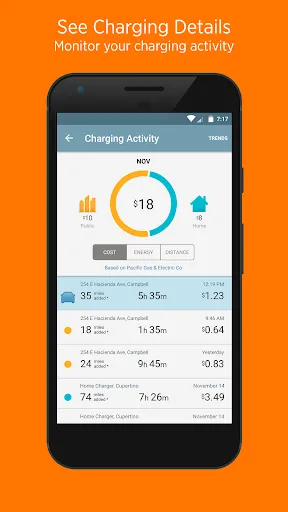
In ChargePoint, you can view your recent charging history and trends, including but not limited to increased mileage and cost.
Tips
🤫 A ChargePoint account can be used at many charging stations.
You can use your ChargePoint account to charge at FLO, EVgo, Greenlots, and EV Connect stations.
👏 Flexible use of widgets will make it easier.
By setting ChargePoint widgets on your mobile home screen, you can find a place to charge with Nearby Stations, check your place in line with Waitlist and see your charging status without opening the app.
😆 Use filters to select specific charge stations.
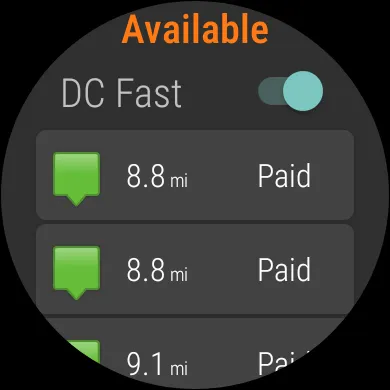
When looking for a charging station, filter to see only stations that work with your car, plus AC or DC fast chargers.
Pros & Cons
- Efficient and convenient
- Helpful to find free stations
- Connection failure issues in some regions
- Search filtering options are not intuitive
FAQ
How to verify if my mobile phone does not have NFC?
If the phone has NFC, it can be verified as long as you hold the phone close to the car door. But if there is no NFC, you can also activate it by dialing a free number. The specific operation details can be viewed in the App.
Ratings
Similar Apps




Top Apps








